Home / Shop
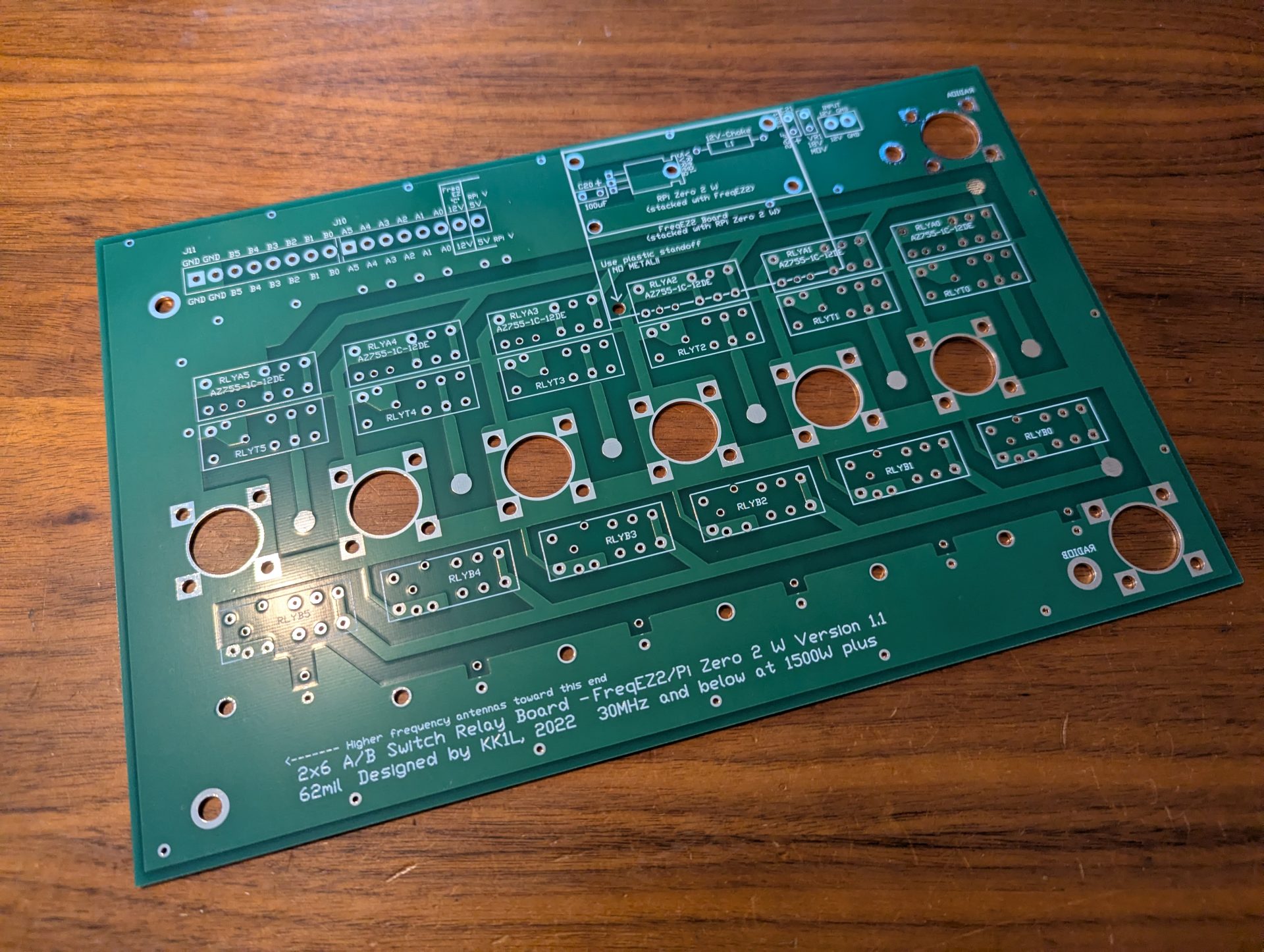
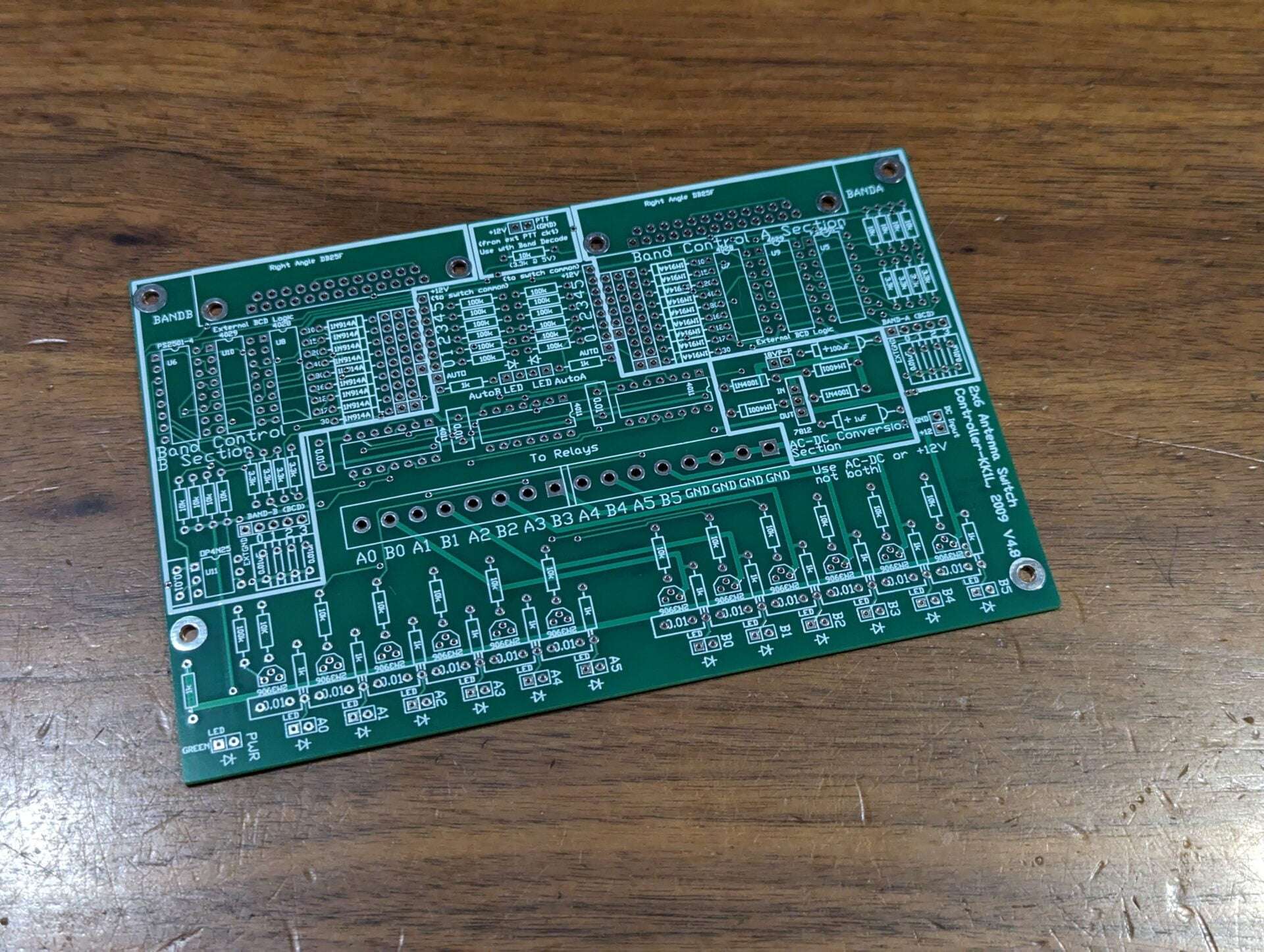
2x6 Antenna Switch Relay Board


- Description
- Specifications
- Customer Reviews (0)
2×6 Antenna Switch Relay Board
This well engineered antenna switch board build with 2oz copper traces provides greater than -61dB port to port isolation, makes it impossible to put both radios on the same antenna port, minimizes reflective coupling. A DIY option not found anywhere else.
I provide the option to have unused antennas either open, shorted to ground, or terminated to 50 Ohms. Terminating to 50 Ohms will minimize reflections on the feed lines on unselected ports keeps the interaction from those antennas at a minimum in the switch. It is also sufficient to remove static build up.
2oz copper is used on the PCB which can allow 2800W key-down into 50 Ohms the trace heating will be limited to an acceptable 10°C. This also supports 1500W+ at below VSWR of 3. Trace spacing prevents high voltage arc-over as well.
The boards are designed with high RF integrity in mind to provide a hard to find DIY component for you to design around. Roll your own Raspberry Pi or Microcontroller based decoder and controller, or use the options I provide.
2x6 Chassis Dimension Files (including Excellon drill file)
Chassis dimensions in inches PDF
Chassis dimensions in millimeters PDF
2×6 Antenna Switch Relay Board
- Dimensions: 10.1875″ x 6.5″
- High quality FR4 double sided 2oz copper, masked, and silk screened both sides
- Designed to handle 1500W with headroom at reasonable VSWR
- 50 Ohm stripline RF distribution
- 12V activated relays
- 50 Ohm termination on unused antennas to reduce reradiation and unwanted internal coupling
- Impossible for one radio to transmit directly into another
- Worst case port to port isolation >61dB!
- Two sets of six inputs required to select the six ports for each radio
- For example: 2 x FreqEZ HAT8 or 1 x FreqEZ HAT16
Related Products
FreqEZ HAT16 Antenna Switch Controller by K8UT
$50.00Successfully Added to your Shopping CartAdding to Cart...
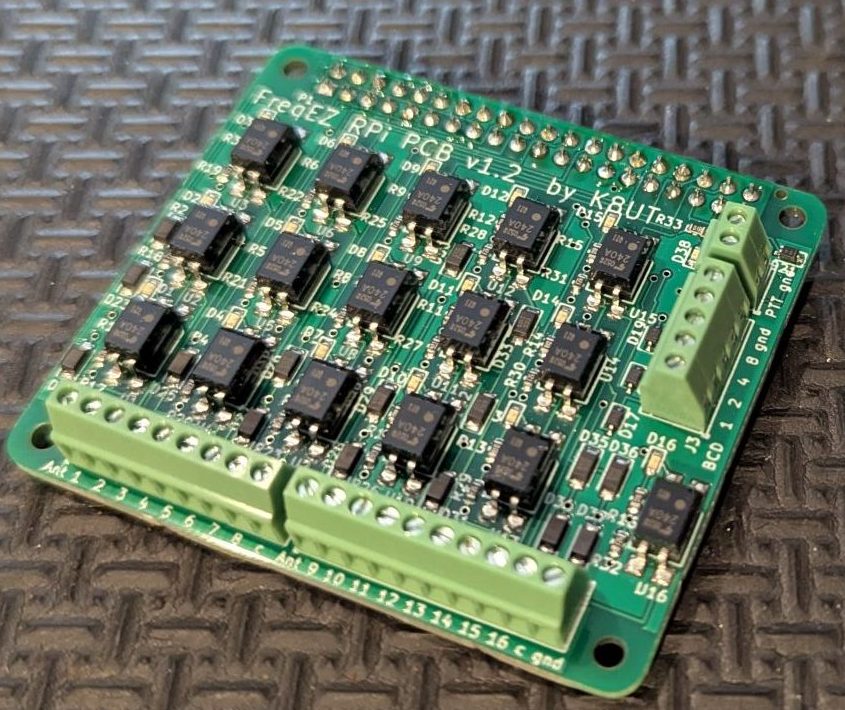
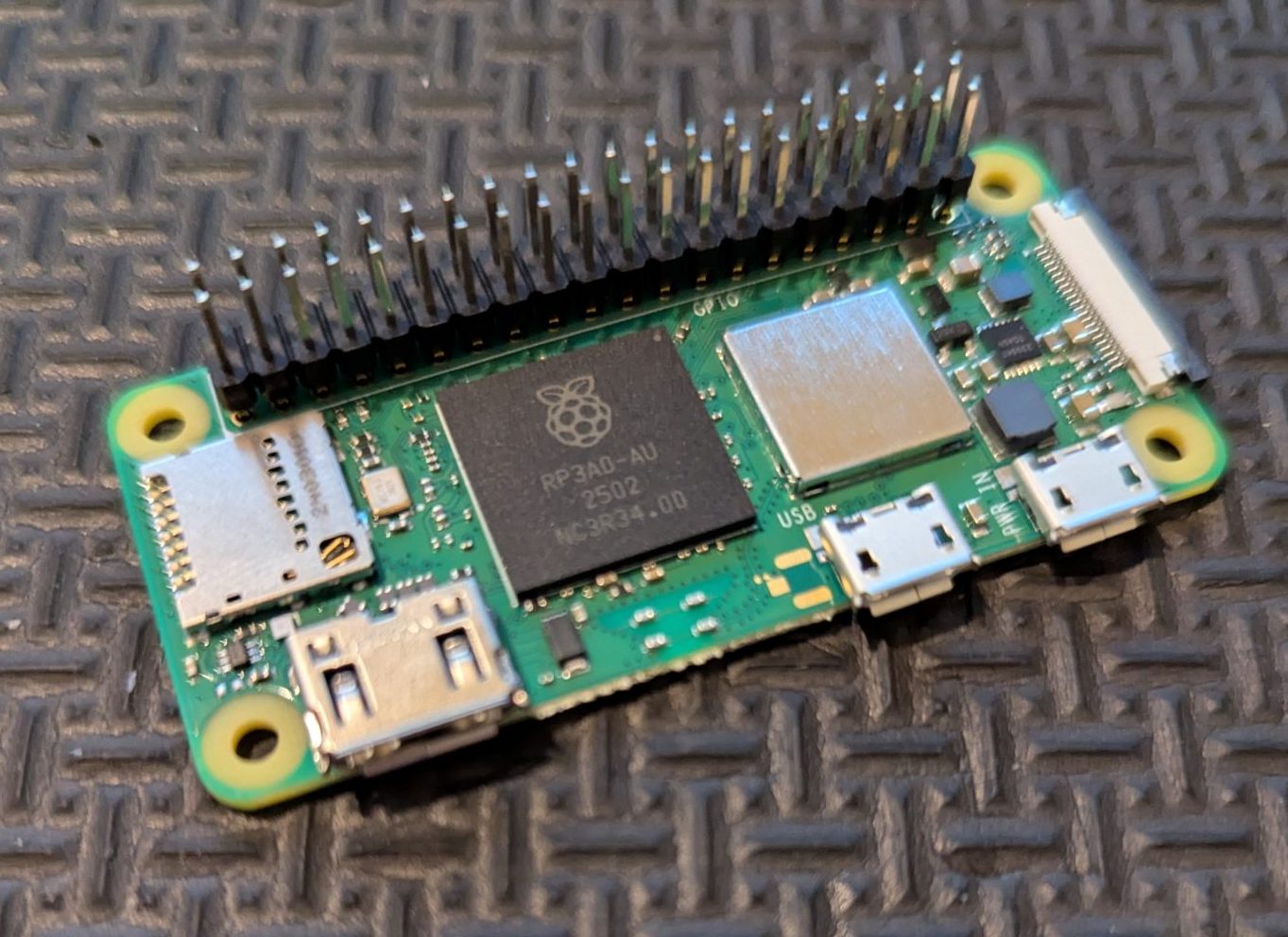
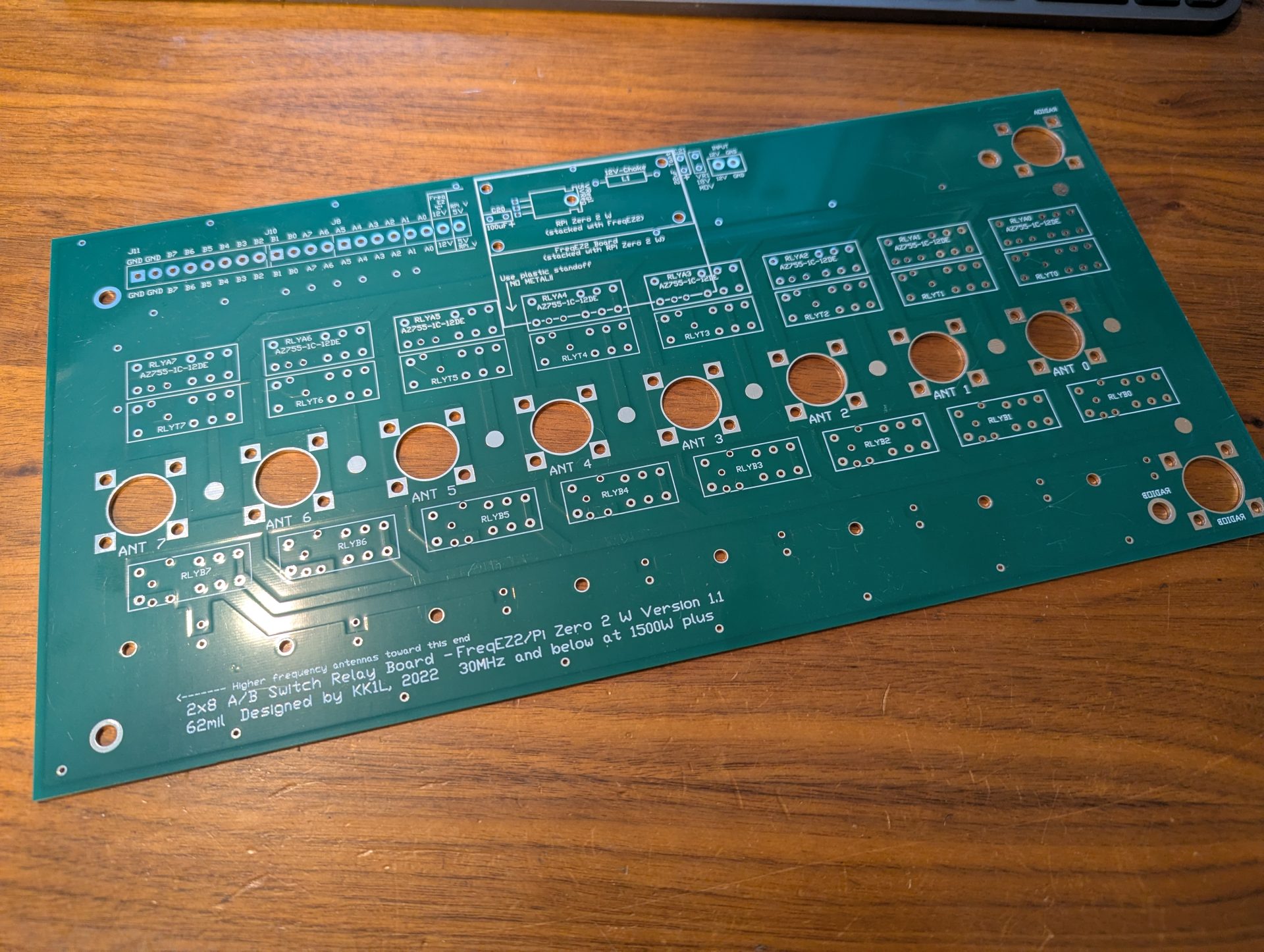
As a reminder you will need other components to complete your project. Below are some links to help you. I do my best to get your order to you quickly and update the site of any persistent delay (on vacation or business travel for example). I will respond to your order email with any issues. Don’t hesitate to reach out with questions Contact Me.
FreqEZ v2.2.0 Windows Console – software to be installed on each computer accessing the FreqEZ
Standard Windows setup program:
Download and unzip this ZIP archive. Then run the setup executable:
FreqEZ Windows Console: FreqEZ WinConsole_v2.2.0.zip
FreqEZ v2.2.0 Raspberry Pi Controller – software to be installed on the Raspberry Pi connected to the FreqEZ
Burn microSD Disk Method (RECOMMENDED):
- Raspberry Pi Imager – for creating the Raspbian operating system image to the microSD card. Follow instructions below
- Launch Raspberry Pi Imager
- Click the APP OPTIONS button at bottom of the window (the white button with the red outline)
- Under Content Repository choose Use custom URL
- enter: https://freqez.kk1l.com/imager.json
- press APPLY & RESTART
- Choose the Device Setup step (should be already selected on left)
- Scroll to the very bottom and double-click No filtering
(or select and press NEXT)
- Scroll to the very bottom and double-click No filtering
- Double-click FreqEZ Trixie Headless or Desktop at the top of the list
(or select and press NEXT) - Choose the storage device (microSD) to write
- For Customisation steps enter a hostname, locale, username, password, WiFi SSID, passphrase
- hostname of ezcontroller-1 is not a bad choice
- Leave “Capital city” as is…it does not matter
- username = ez, password=freqez is not a bad choice. Don’t choose “pi”
- ENABLE SSH!
- Proceed to write the image to your SD card
- The IMG file will be automatically downloaded and burnt to the micro SD card
Manual File Copy Method (ALTERNATE for “experts”):
- The files in this FreqEZ RPi Controller ZIP archive can be downloaded and manually copied to specific locations within the Raspberry Pi file structure.
- Step-by-step instructions can be found in the “APPENDIX: Alternative Method for Preparing the microSD Card” section of the documentation by clicking on Help in the v2.2.0 Windows Console or opening the on-line Help file FreqEZhelp.pdf.
- FreqEZ Raspberry Pi Controller FOR BULLSEYE or earlier!!: FreqEZ_RPiController_v2.2.0.zip
- FreqEZ Raspberry Pi Controller FOR BOOKWORM or later!!: FreqEZ_RPiController_v2.3.0.zip
- Note there is a “freqezrpi” executable for either 32 bit or 64 bit. You must choose the correct version.
FreqEZ v2.2.0 Help PDF file
FreqEZ Documentation / Help file: FreqEZhelp.pdf